Security
Agents that can’t do more
than your people can
How AgentLaire stays inside Odoo’s security model, what leaves your server, and how you stay in control.


Shown with AgentLaire Backend Theme
Data
What leaves your server, and when
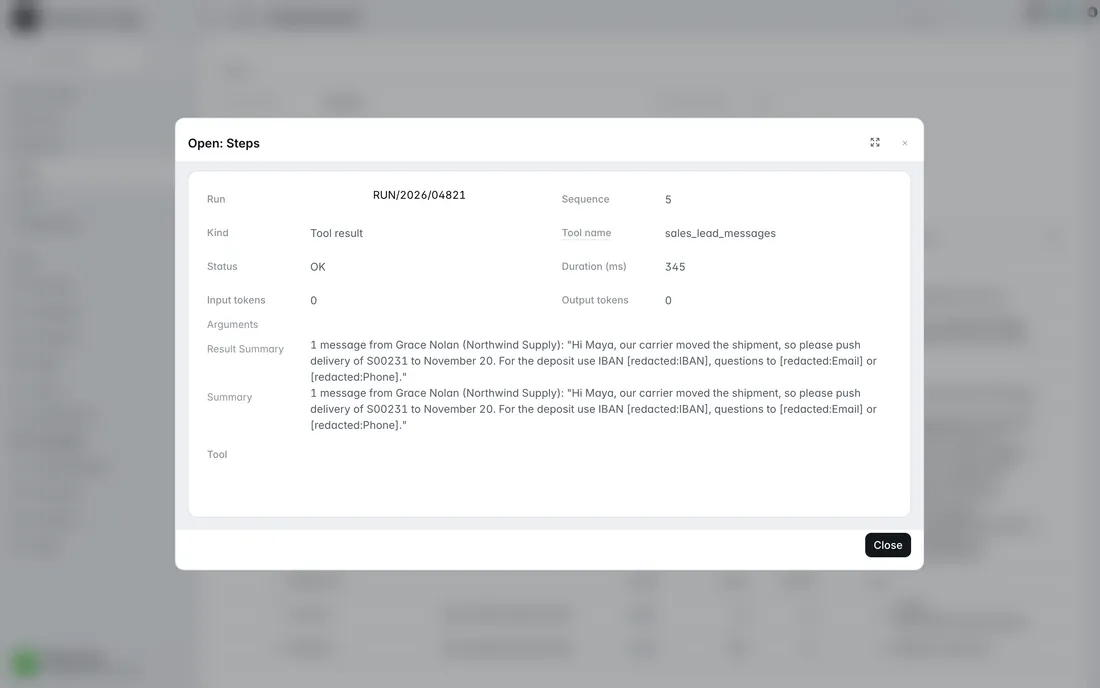
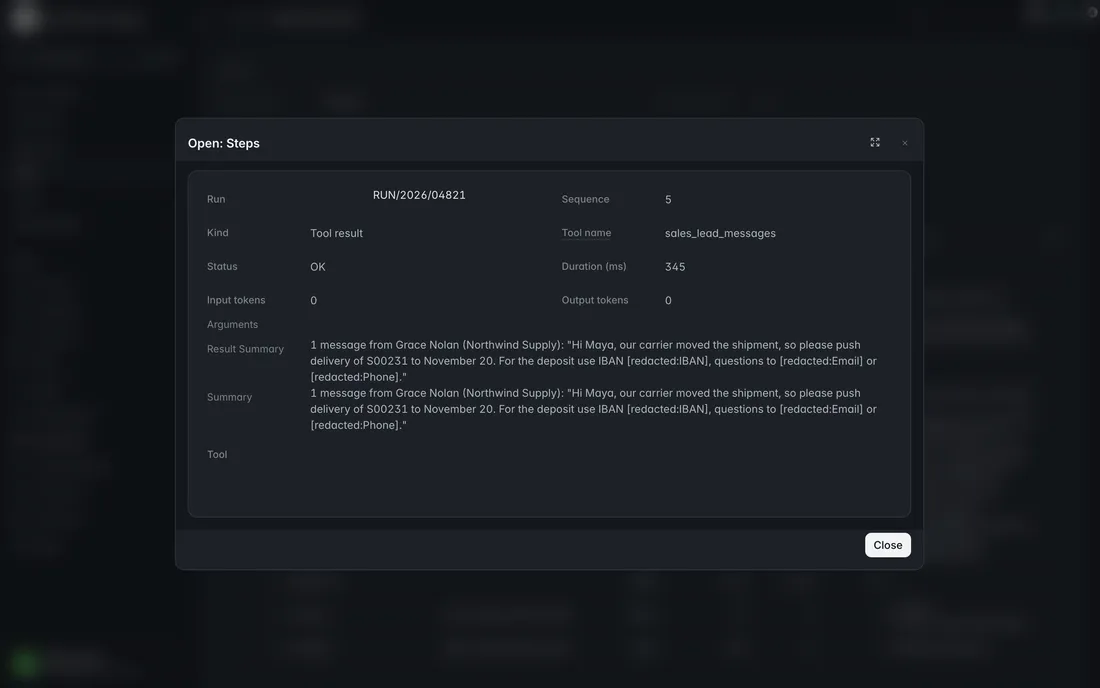
Requests go only to the model provider you configure, after your redaction rules mask or drop patterns like card numbers and IBANs. With a local model, model requests stay on your own server.
Identity
The agent is the user
Every tool runs with the requester’s rights, record rules and companies. Approved changes run as the approver, after a second check. Tool policies sit on top of Odoo’s security, never instead of it.
Untrusted input
Emails and notes can’t take the wheel
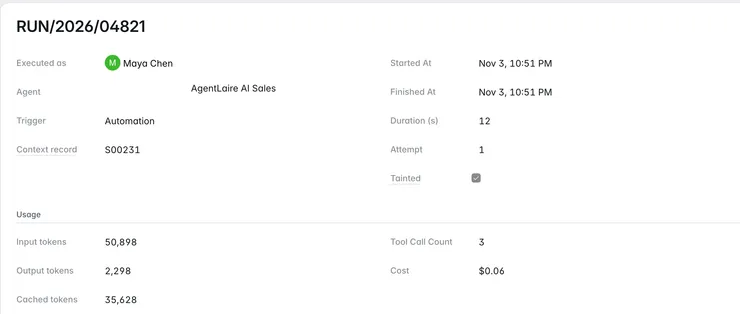
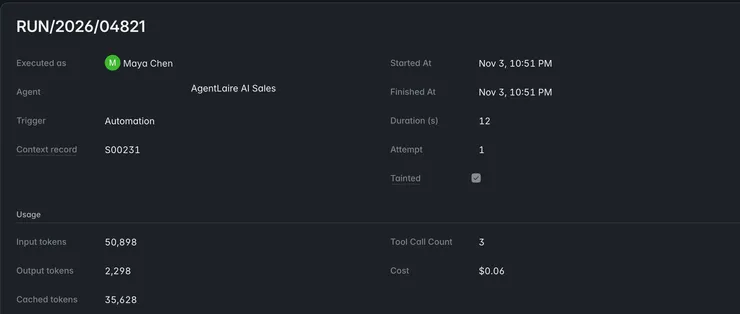
Fields that hold outside text, like email bodies and lead descriptions, are marked untrusted. Once a run reads one, the run is marked untrusted and can’t change anything on its own.
- Untrusted means hands off
- A run marked untrusted never changes anything on its own, whatever a policy says.
- Labeled as data
- Untrusted text reaches the model inside delimiters that mark it as data, never as instructions.
- Limits on every run
- Every run has a tool-call limit and a timeout, and monthly budgets cap the cost, so nothing runs away.
- Checked queries
- Only allowed fields and standard operators. No raw SQL.
Approval
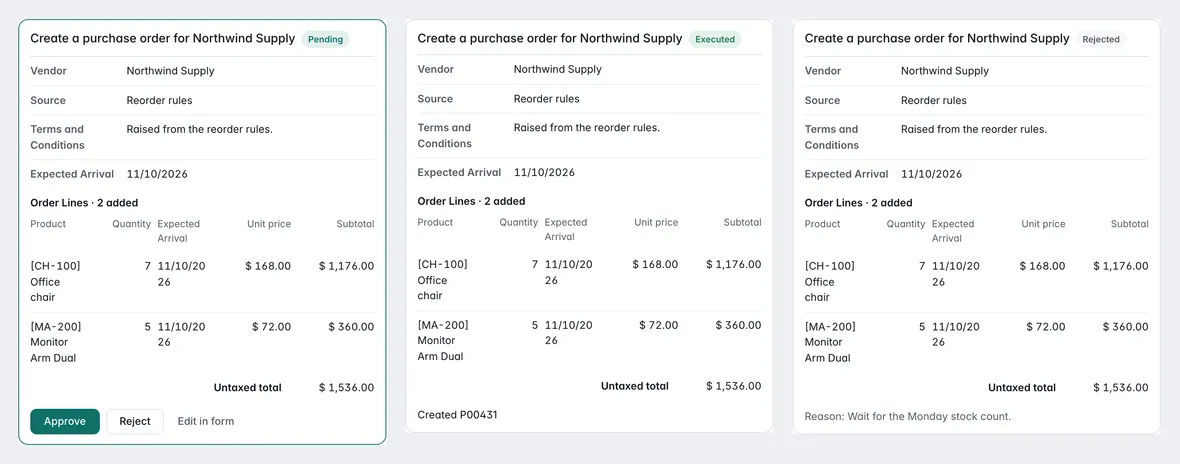
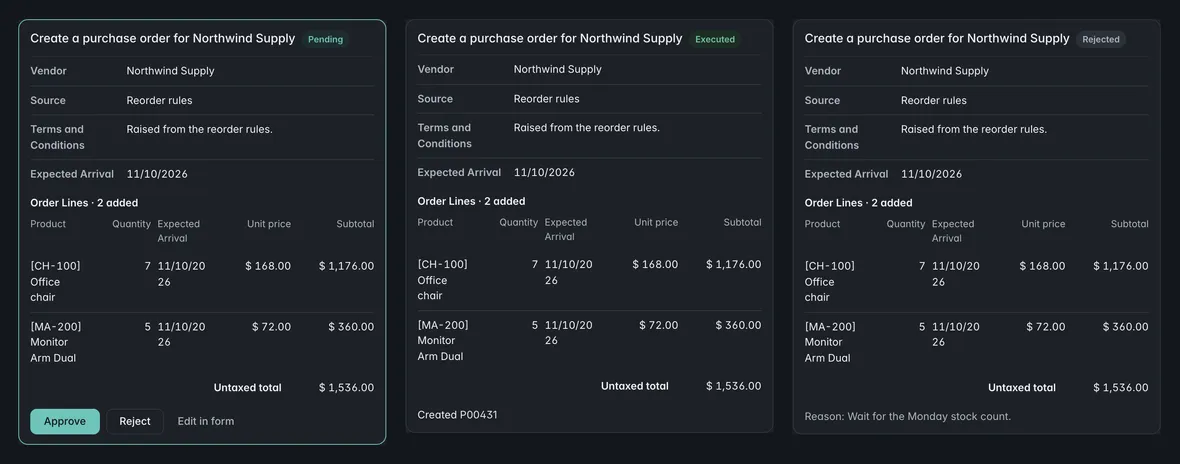
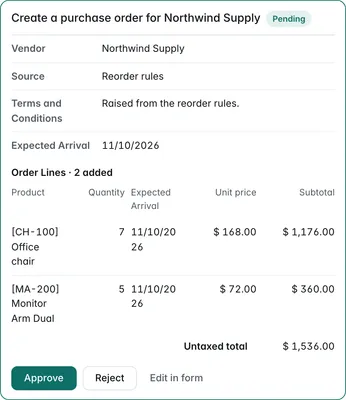
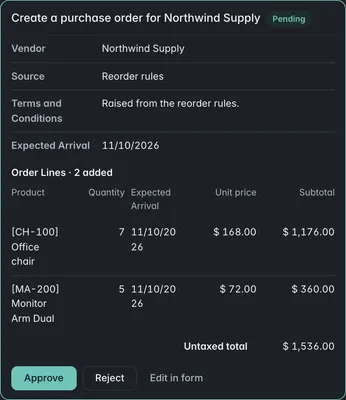
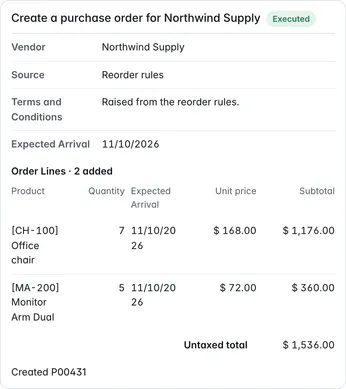
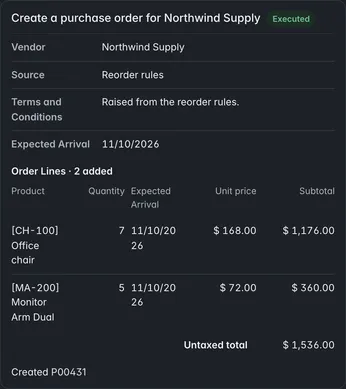
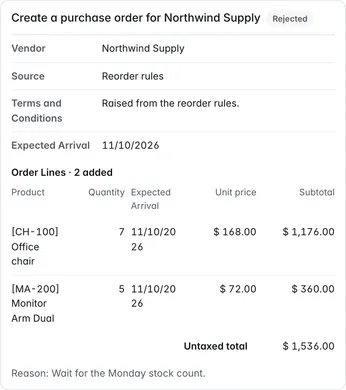
A person approves every change
By default every change is a proposal you review. A manager can allow one narrow kind in advance, with listed fields, a daily limit and a full log.
Around every layer
Audit, MCP and privacy
- Audit and control
- A log of every run and approval, monthly budgets, and one switch that stops everything.
- MCP for AI clients
- Connect Claude, Codex or any other MCP client with expiring keys, IP allow-lists, rate limits and a log of every request. Changes over MCP always wait for approval.
- Privacy
- Nothing goes to a model provider until a manager allows data sharing on it. API keys are never logged, and runs and audit events are deleted after the retention period you set.
Reviewing AgentLaire for a client or your company?
Send us your security questionnaire, or ask anything not covered here.