AgentLaire AI Control · Free
Set up AI in Odoo
before any agent runs
Connect your models, set a budget and keep a kill switch in reach. Free, and no AI modules needed.
Odoo 18, 19 and 20 · Community · Self-hosted

Shown with AgentLaire Backend Theme
On its own
Useful before any agent exists
The free module does real work by itself. Here is what you get.
- Connect your models
- Claude, OpenAI, Gemini, Ollama and OpenAI-compatible providers. A Test connection button checks each one.
- A monthly budget
- Set one per company and per provider. Cost is tracked for each provider.
- A kill switch
- Stops new runs, MCP calls and proposal execution at once. Only AI Managers can switch it on or off.
- An audit log
- Runs, tool calls, proposals and configuration changes, all in one place.
- Redaction rules
- Mask data before it is sent to a provider, and in logs.
- A live Overview
- Runs, success rate, cost against budget, pending approvals and provider health, updated live.
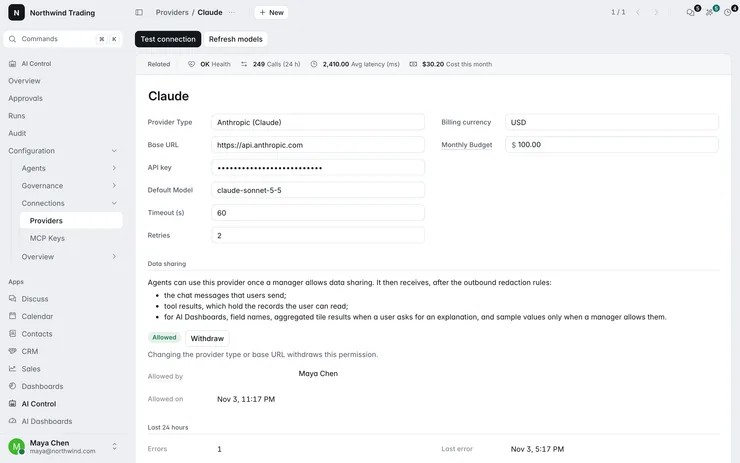
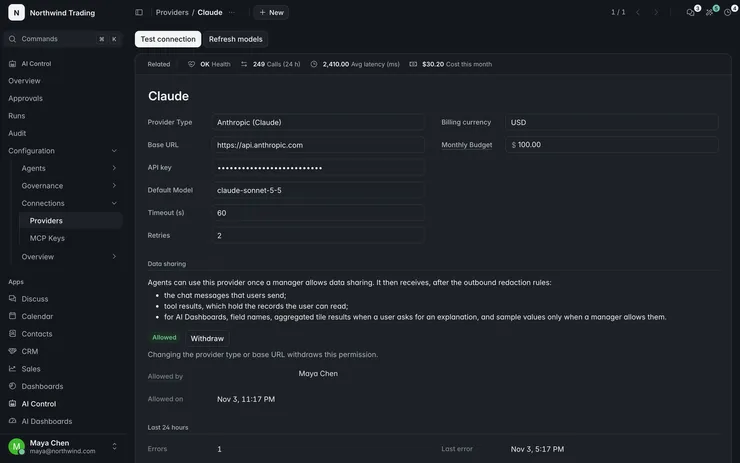
Providers
Connect a provider in a minute
Pick Claude, OpenAI, Gemini, Ollama or an OpenAI-compatible endpoint, then press Test connection.
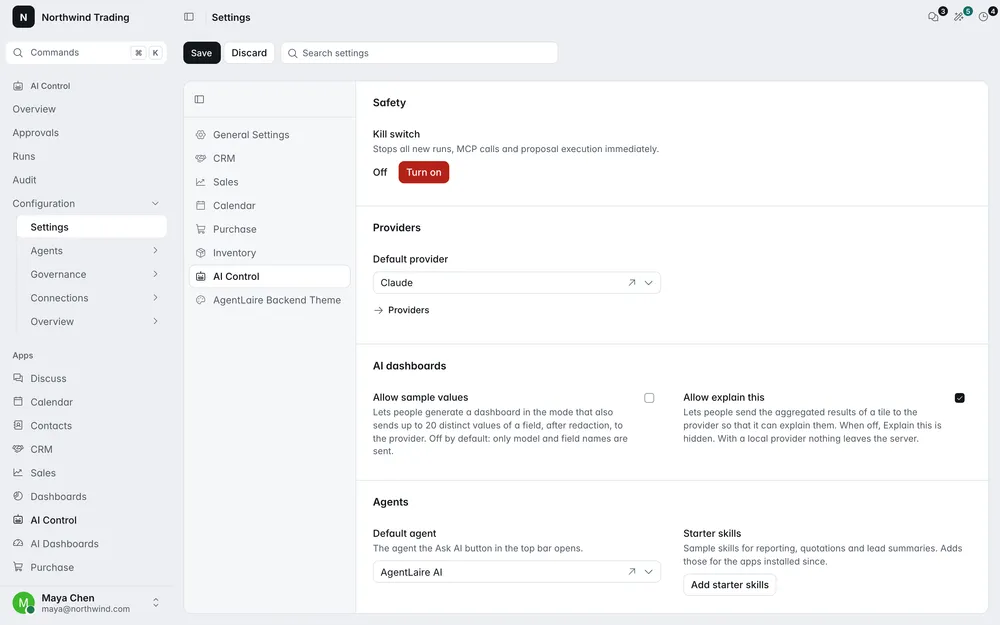
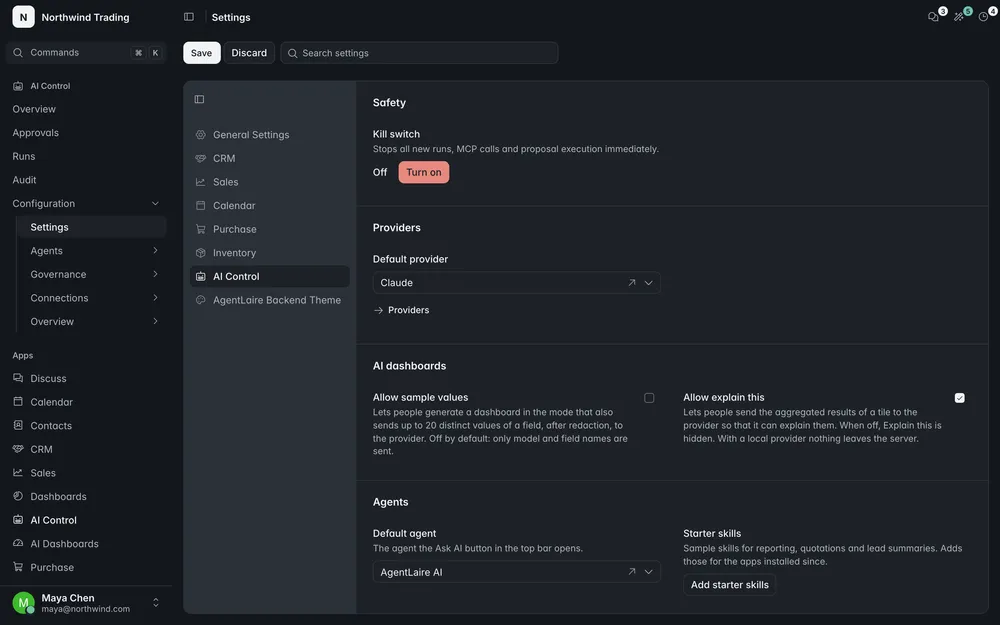
Kill switch
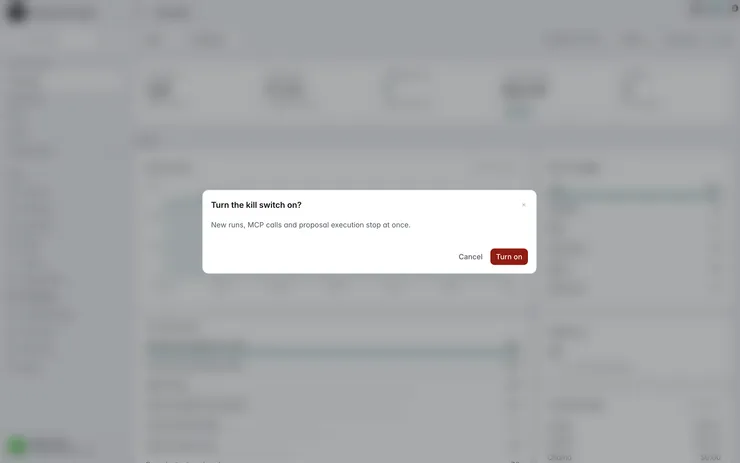
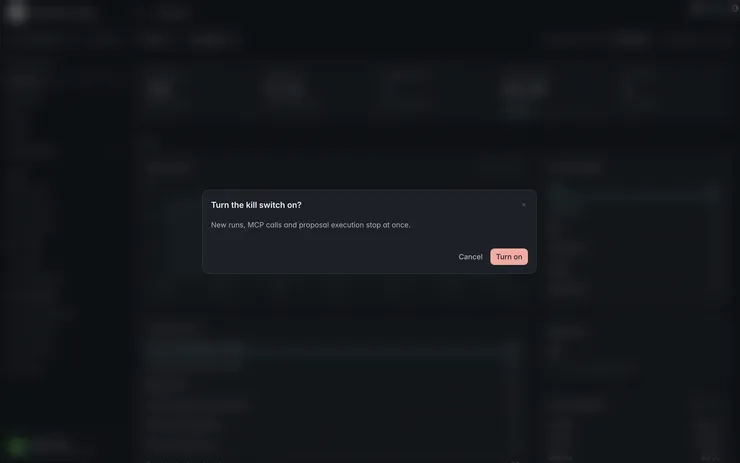
One switch stops it all
It stops new runs, MCP calls and proposal execution at once. Only AI Managers can switch it on or off.
Audit log
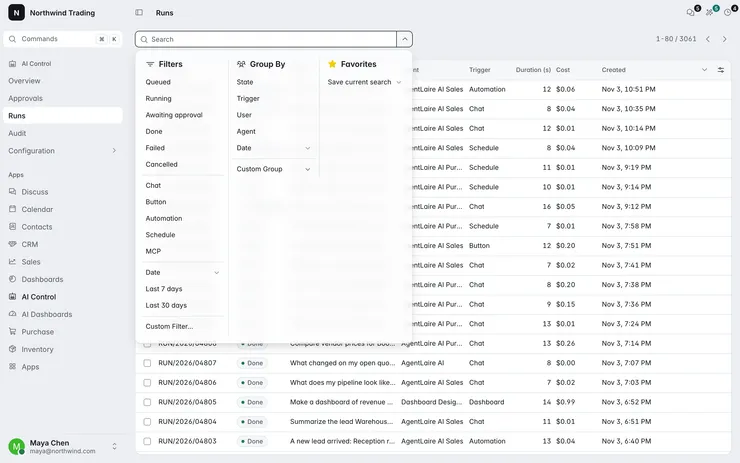
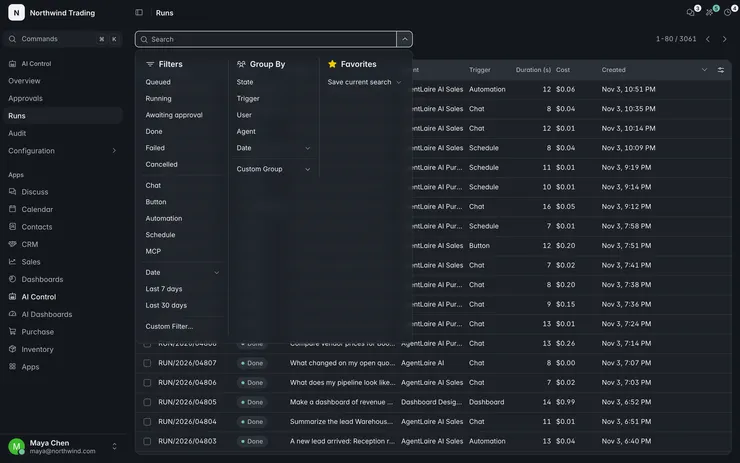
See what ran and what changed
Runs, tool calls, proposals and configuration changes are all recorded.
Settings
Budget and redaction in one place
Set a monthly budget per company and choose what is masked before data reaches a provider.
Paid modules
What the paid modules add
They build on AgentLaire AI Control and install it for you. Each is a one-time purchase per Odoo version and covers one database.
- AgentLaire AI AgentsAgents that work in your Odoo, with your approval. Installs AgentLaire AI Control for you.$199See Agents
- AgentLaire AI DashboardsDashboards built on your Odoo data. Needs AgentLaire AI Agents.$199See Dashboards
- AgentLaire Backend Theme · RecommendedWith the theme, approval cards, chat and dashboards share one look in light and dark. It also works on its own.$199See the theme
- AgentLaire AI Sales & CRMAI for your sales and CRM work. Needs AgentLaire AI Agents.$99See Sales & CRM
- AgentLaire AI PurchaseAI for your purchasing and stock work. Needs AgentLaire AI Agents.$99See Purchase
Compatibility
Built for Odoo Community
- Odoo 18, 19 and 20
- Community edition, self-hosted. Not available on Odoo Online.
- No AI modules needed
- Install it on its own. The paid modules install it for you.
- Uninstall any time
- Remove it whenever you like.
- Enterprise and Odoo.sh
- Support is coming. Join the waitlist to hear first.
Questions
About AgentLaire AI Control
Is it really free?
Yes. It’s an LGPL-3 module with no paid tier. The paid modules are separate.
Do I need it for the paid modules?
Yes. The paid modules depend on it, and the Apps Store installs it for you. You can also install it on its own.
Does it send my data anywhere?
Only to the model providers you connect, and redaction rules can mask data first.
Does it work on Odoo Enterprise?
Not yet. Support for Enterprise and Odoo.sh is coming. Join the waitlist and we’ll send one email when it’s ready.
Set up AI before it runs
Free for Odoo 18, 19 and 20 Community.