AI Control
Last updated
AgentLaire AI Control is the free base module (agentlaire_core) for Odoo 18, 19 and 20 Community, self-hosted. It connects Odoo to a model provider and lets managers see, limit and stop AI work. See the product page.
What does the AI Control overview show?
Section titled “What does the AI Control overview show?”AgentLaire AI Control opens on AI Control › Overview. It shows runs today and this week, the success rate, the cost this month against the budget, and whether the active providers are healthy. Below that, tiles show runs per day and other activity. Modules you install add their own tiles under their own heading.
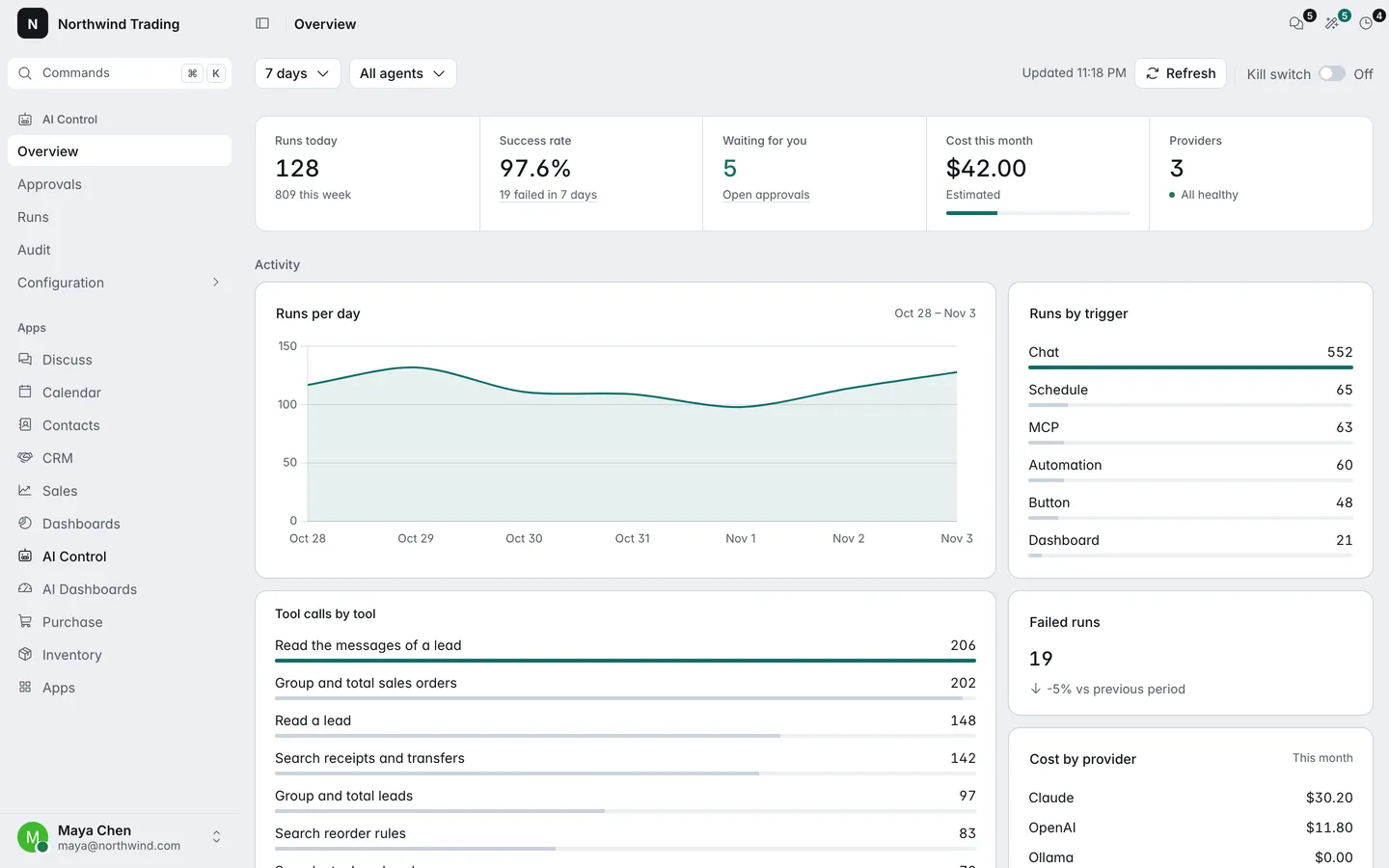
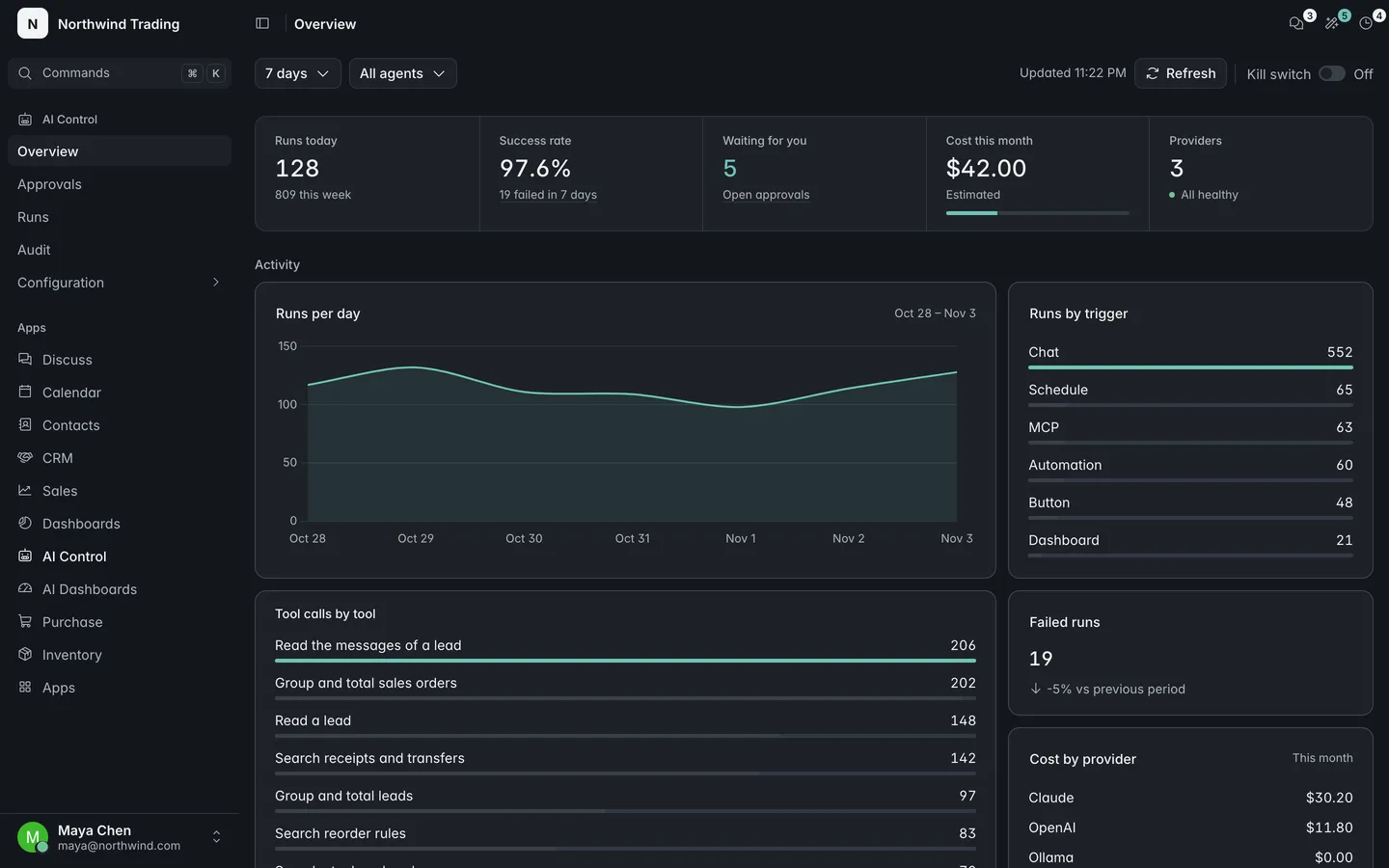
You can filter by period (today, 7 days, 30 days or a custom range), by company and by agent. Every figure is computed as the person looking at it, so a tile shows “Not available to you” when your Odoo access rights do not cover its data. A click on a tile opens the matching list.
How do I connect a provider?
Section titled “How do I connect a provider?”AgentLaire AI Control supports four provider types: Anthropic (Claude), OpenAI, OpenAI-compatible servers (Ollama, vLLM, LiteLLM) and Google Gemini.
- Open AI Control › Configuration › Connections › Providers and click New.
- Fill in the name, provider type, base URL, API key and default model. A local OpenAI-compatible server needs a base URL and no API key.
- Click Save and test connection.
Only AI Managers can read or change the API key. It is shown masked and never written to logs or the audit log. To set the provider that runs use when an agent names none, choose Default provider in AI Control › Configuration › Settings.
How do I test a provider’s connection?
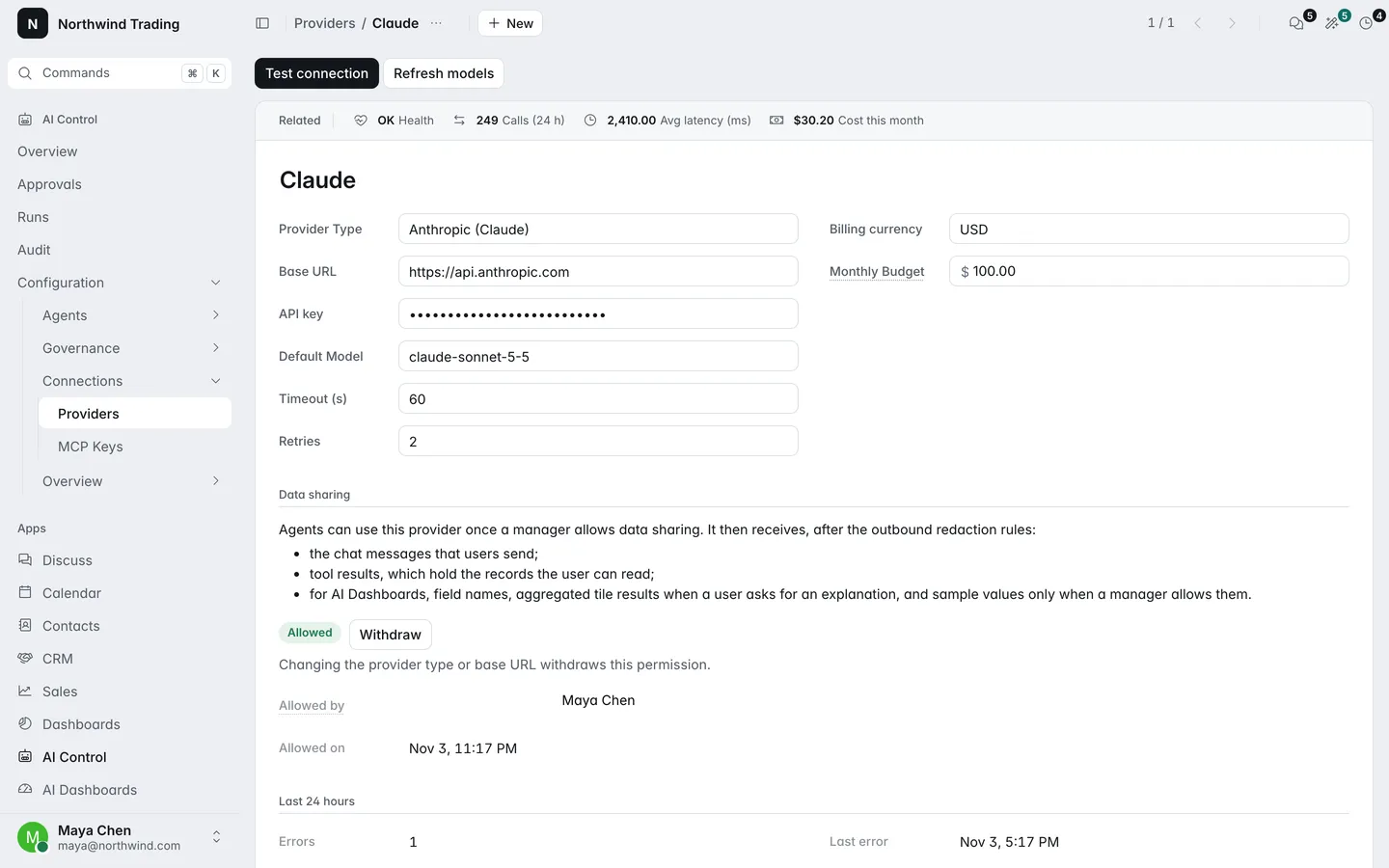
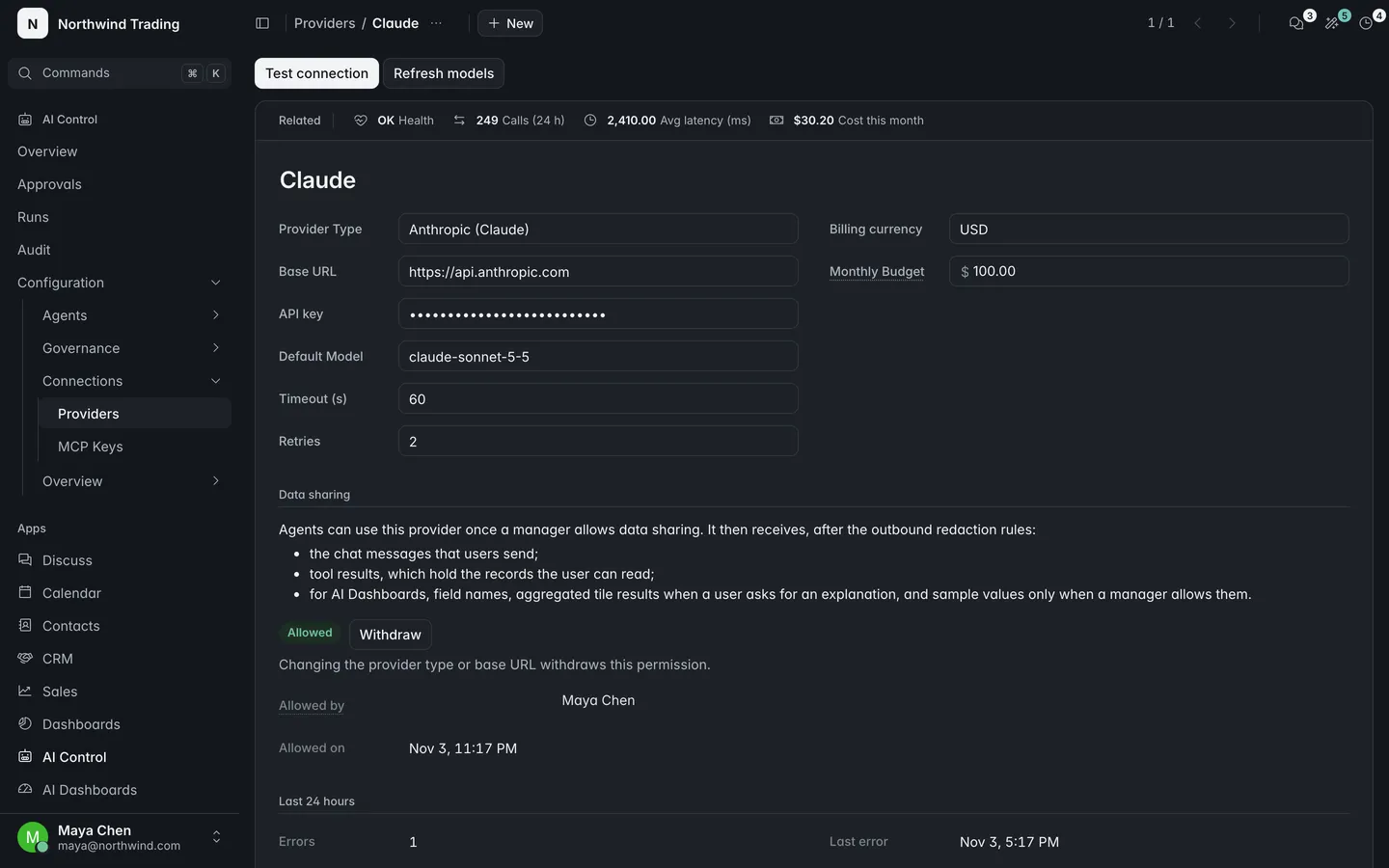
Section titled “How do I test a provider’s connection?”AgentLaire AI Control tests a provider with one small request. Open the provider and click Test connection. The form shows the latency, or the error without the key, and the provider’s health changes accordingly.
The form also shows calls in the last 24 hours, average latency, errors, rate-limited calls and the cost this month. Health is OK, Degraded (more than 20% of calls in 24 hours failed or were rate limited) or Down. Refresh models reads the models the provider offers. Prices per million tokens are filled from a shipped price table and you can edit them.
How do I allow data sharing on a provider?
Section titled “How do I allow data sharing on a provider?”AgentLaire AI Control sends no business data to a provider until an AI Manager allows data sharing on it. A new provider starts as Not allowed.
- Open the provider in AI Control › Configuration › Connections › Providers.
- Read the Data sharing statement on the form.
- Click Allow data sharing. The form then shows who allowed it and when.
Until then, a run that uses the provider fails with a message that names it. Test connection works without the opt-in because it sends no business data. Changing a provider’s type or base URL withdraws the opt-in, and Withdraw does the same at any time. Runs stop sending from their next model call. Every change is written to the audit log.
How do budgets work?
Section titled “How do budgets work?”AgentLaire AI Control checks two monthly budgets before every model call: one per provider and one for the company. When a budget is reached, the run fails with the reason budget_exceeded and the audit log records a budget_exceeded event.
- The provider budget is the Monthly Budget field on the provider form, in the provider’s billing currency.
- The company budget is Company monthly budget in AI Control › Configuration › Settings, with its budget currency. 0 means no limit.
Costs in another currency are converted at the run date. If no exchange rate exists, the run fails with budget_rate_missing instead of counting the cost as zero. Costs are estimates from token counts and the model’s prices.
What does the kill switch stop?
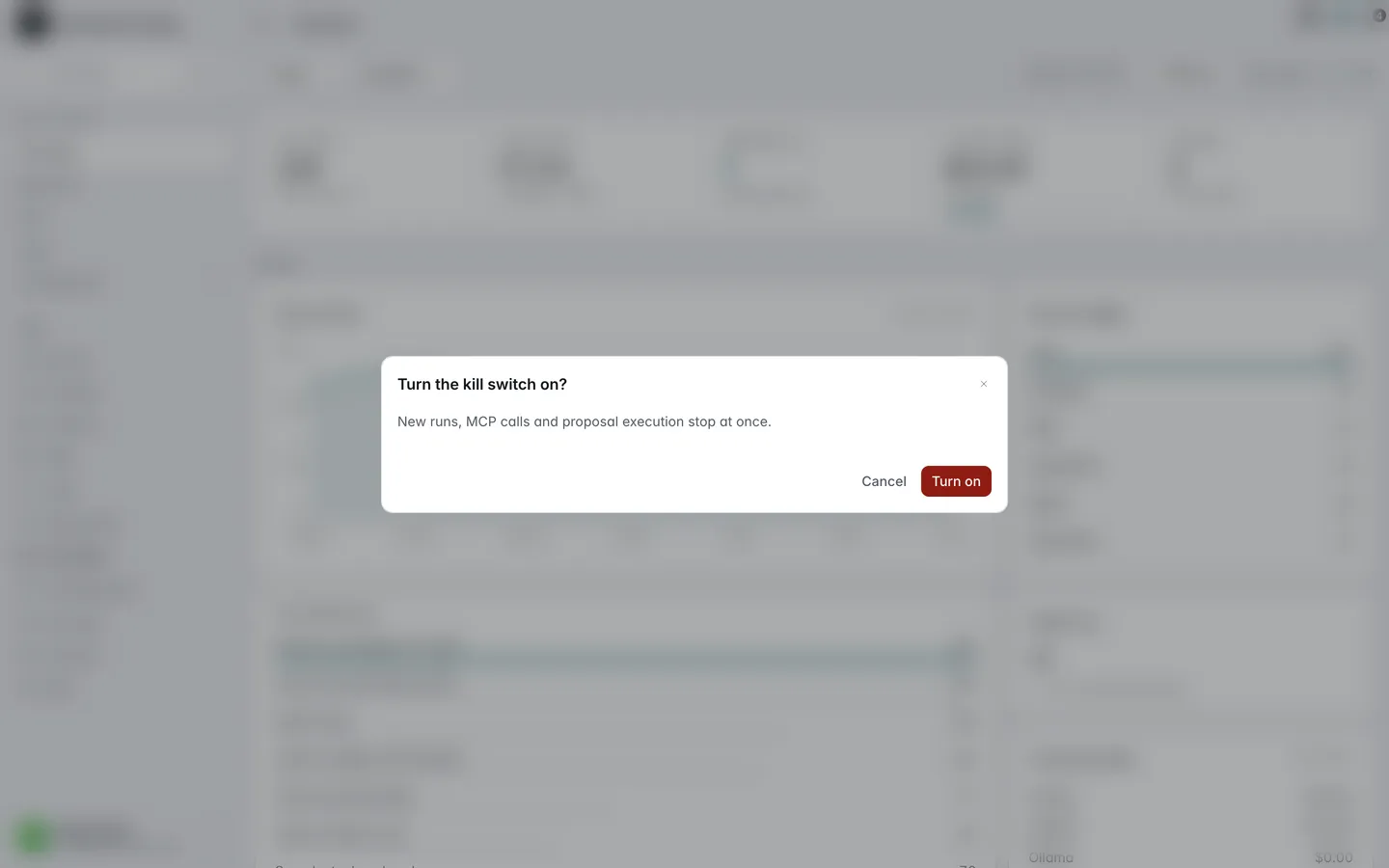
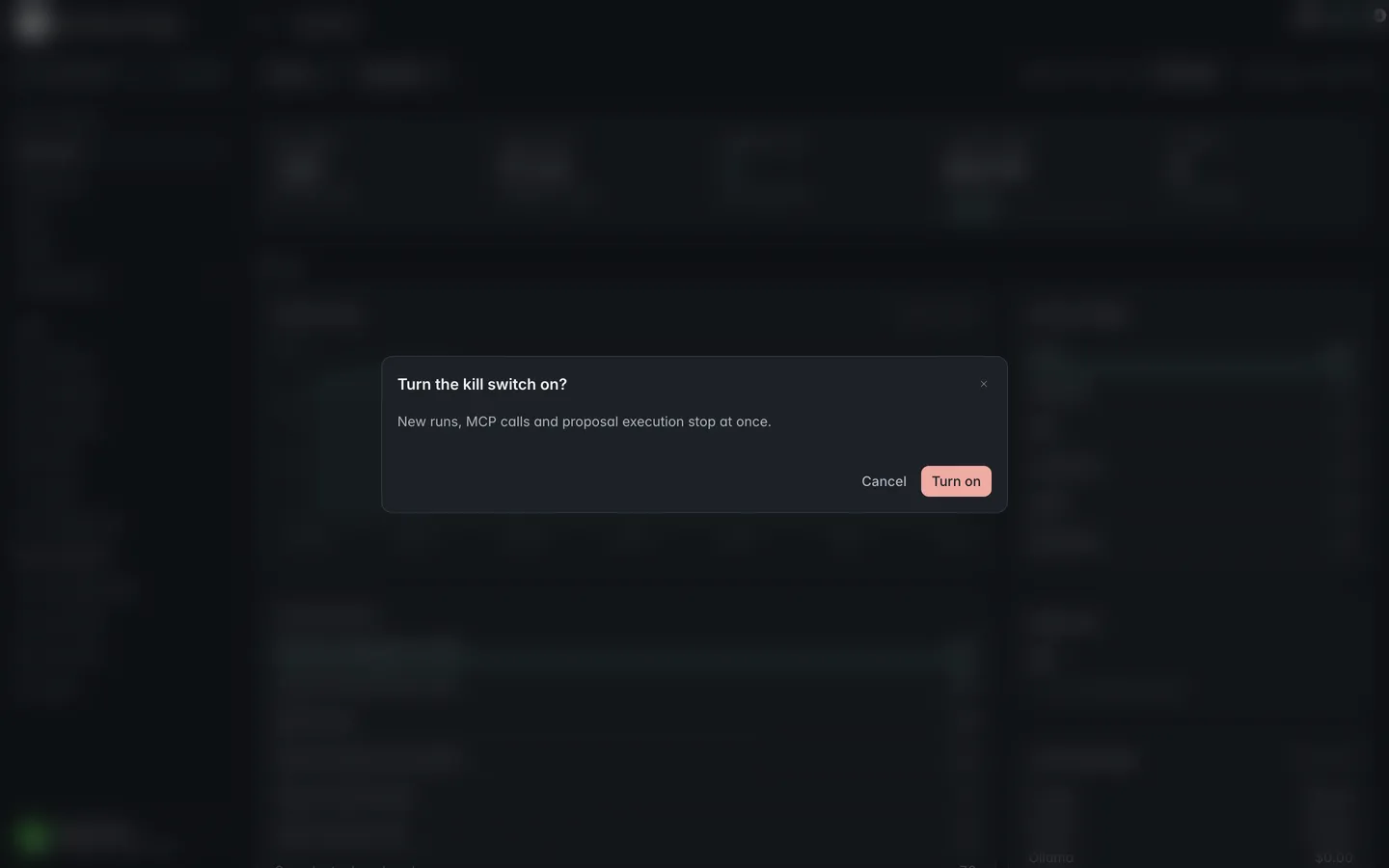
Section titled “What does the kill switch stop?”AgentLaire AI Control’s kill switch stops all AI work at once: no new run starts, a running run stops before its next model call, MCP calls are refused and approved changes are not executed. It is off by default.
AI Managers turn it on or off from the filter bar of AI Control › Overview, or with Turn on and Turn off in AI Control › Configuration › Settings. Both ask for confirmation and write a kill_switch event that names the manager. Other users see its state on the Overview without the control. Starting a run while it is on fails with a clear message.
How do I see what the AI did?
Section titled “How do I see what the AI did?”AgentLaire AI Control keeps two records: runs and the audit log.
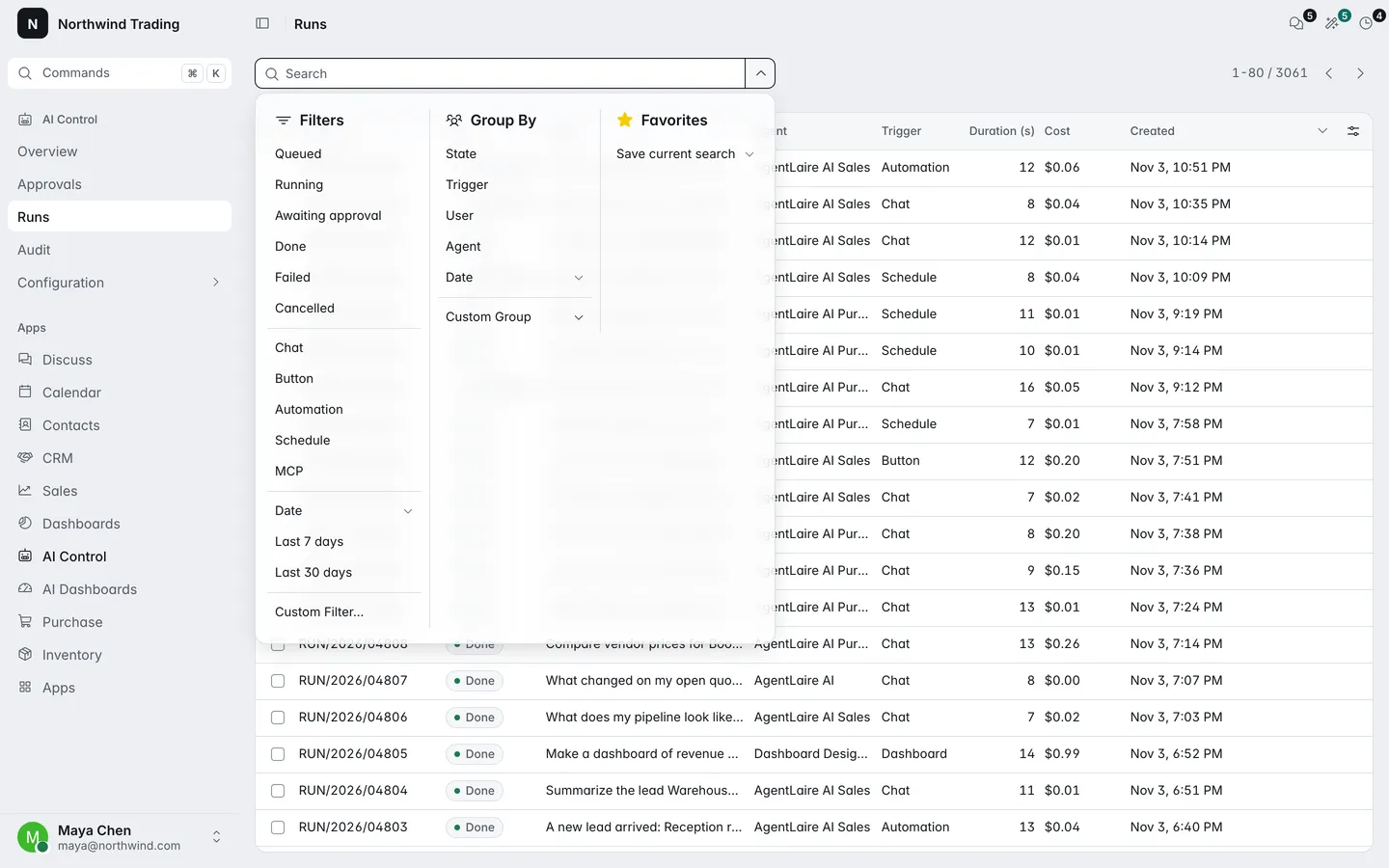
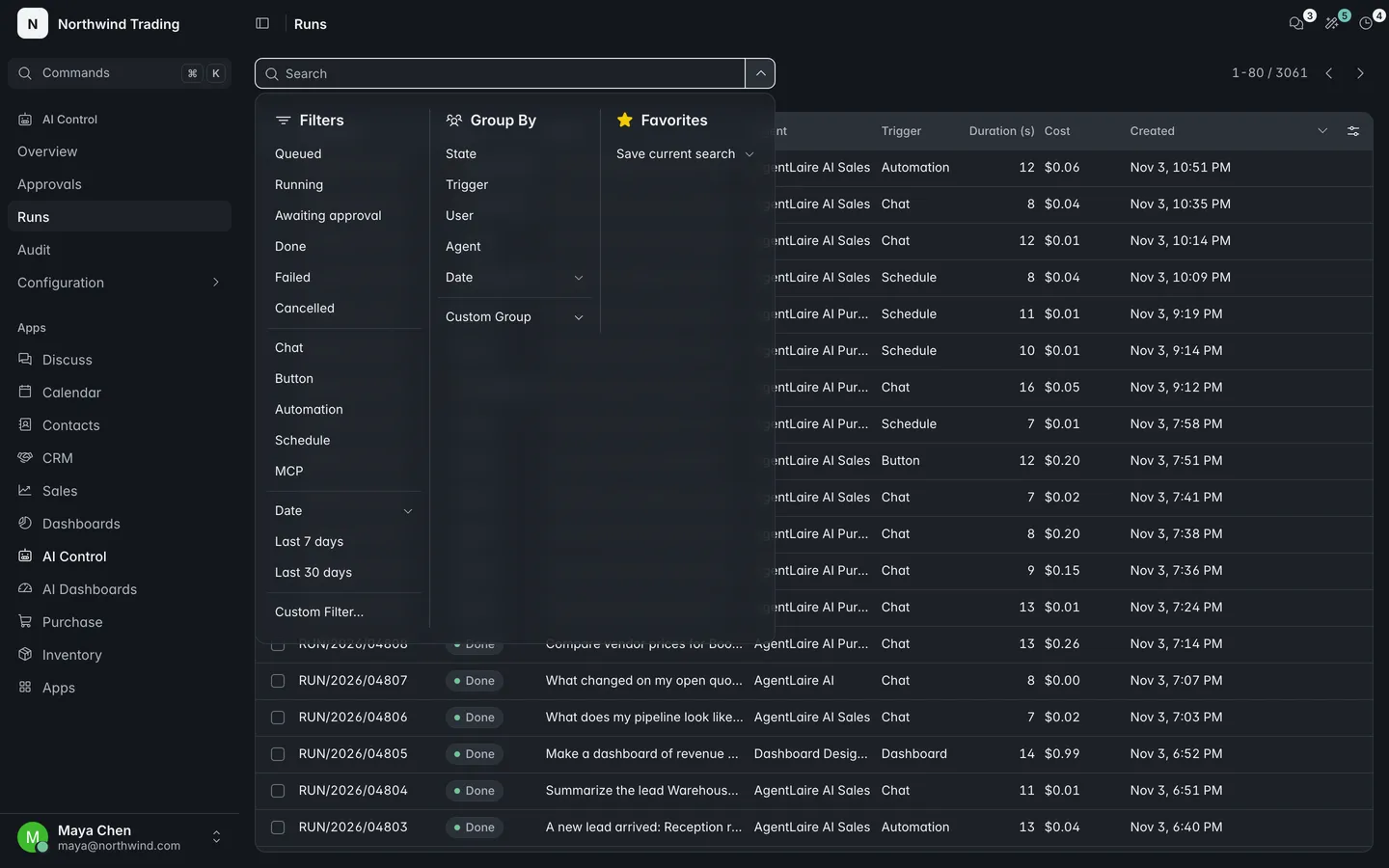
AI Control › Runs lists every run with its state, user, trigger, duration, tokens and cost. Open one to see its steps, input, output, linked records and any error. A run is Queued, Running, Awaiting approval, Done, Failed or Cancelled. Users see their own runs, approvers also see runs behind proposals they review, and managers see all runs of their companies. A manager can retry a failed run, which resumes from its last committed step. The owner or a manager can cancel a run that is not finished.
AI Control › Audit is the audit log. It records runs started, finished and failed, tool calls and denials, proposals created, approved, rejected, executed and reverted, automatic writes, kill switch changes, policy and provider changes, data sharing, MCP requests, budget events and skipped triggers. Only AI Managers can read it, and nobody can edit or delete an event. Only the retention cleanup removes old events. Payloads never hold API keys or MCP key values.
How do redaction rules work?
Section titled “How do redaction rules work?”AgentLaire AI Control uses redaction rules to keep sensitive values out of what is sent to a provider and out of logs. Open AI Control › Configuration › Governance › Redaction rules.
A rule has a name, a regular-expression pattern, an action and a target:
- Mask replaces each match with a placeholder such as
[redacted:email]. Drop removes the whole value that holds a match. - Apply To is Sent to providers, Logs and audit, or Both.
- A rule can be limited to one model or one field. Without that, it applies to all text.
Install creates four presets, Email, IBAN, Payment card (checked with the Luhn test) and Phone, all disabled. Nothing changes until a manager enables a rule. A pattern that does not compile or runs too slowly is rejected on save. Creating, changing, enabling or disabling a rule writes a policy_changed audit event.
Which groups control access?
Section titled “Which groups control access?”AgentLaire AI Control adds three groups under one entry, AI Control, in a user’s access rights. Each includes the one before it.
| Group | Can do |
|---|---|
| AI User | Open the AI Control app, see their own runs, use agents they are allowed to use |
| AI Approver | Everything an AI User can, and review proposals |
| AI Manager | Everything an AI Approver can, plus Configuration, all runs, the audit log, the kill switch and data sharing |
Installing the module makes the database administrator an AI Manager and adds nobody else. The AI Control app is hidden from users in none of the groups, and Configuration is visible to AI Managers only. AI Control › Configuration › Settings also needs the Odoo administrator role.
How long does AgentLaire AI Control keep data?
Section titled “How long does AgentLaire AI Control keep data?”AgentLaire AI Control deletes finished runs older than 90 days, with their steps, and audit events older than 365 days. The cleanup also runs on databases whose scheduled actions are disabled. Audit events of a deleted run stay under their own retention. Change both periods in AI Control › Configuration › Settings.
What are the AgentLaire AI Control settings?
Section titled “What are the AgentLaire AI Control settings?”AgentLaire AI Control keeps its settings in AI Control › Configuration › Settings, which needs an AI Manager who is also an Odoo administrator. Numeric settings must be positive whole numbers, except the budget, which can be 0.
| Setting | Default | What it does |
|---|---|---|
| Kill switch | Off | Stops all new runs, MCP calls and proposal execution. |
| Default provider | None | Provider used when an agent names none. |
| Concurrent runs | 4 | Runs processed at the same time. |
| Tool calls per run | 20 | Most tool calls one run may make. |
| Model calls per dispatcher batch | 5 | Model calls before a run is handed back to the queue. |
| Run timeout (minutes) | 10 | Time without progress before a run is retried or fails. |
| Audit events (days) | 365 | How long audit events are kept. |
| Runs (days) | 90 | How long finished runs are kept. |
| Company monthly budget | 0 (no limit) | Monthly spend limit for the company. |
| Budget currency | USD | Currency of the company budget. |