Approvals
Last updated
AgentLaire AI Agents is a paid module, $199 one-time per Odoo version. See the product page. Approvals are part of it, and its policies come from AgentLaire AI Control.
How does a proposal work?
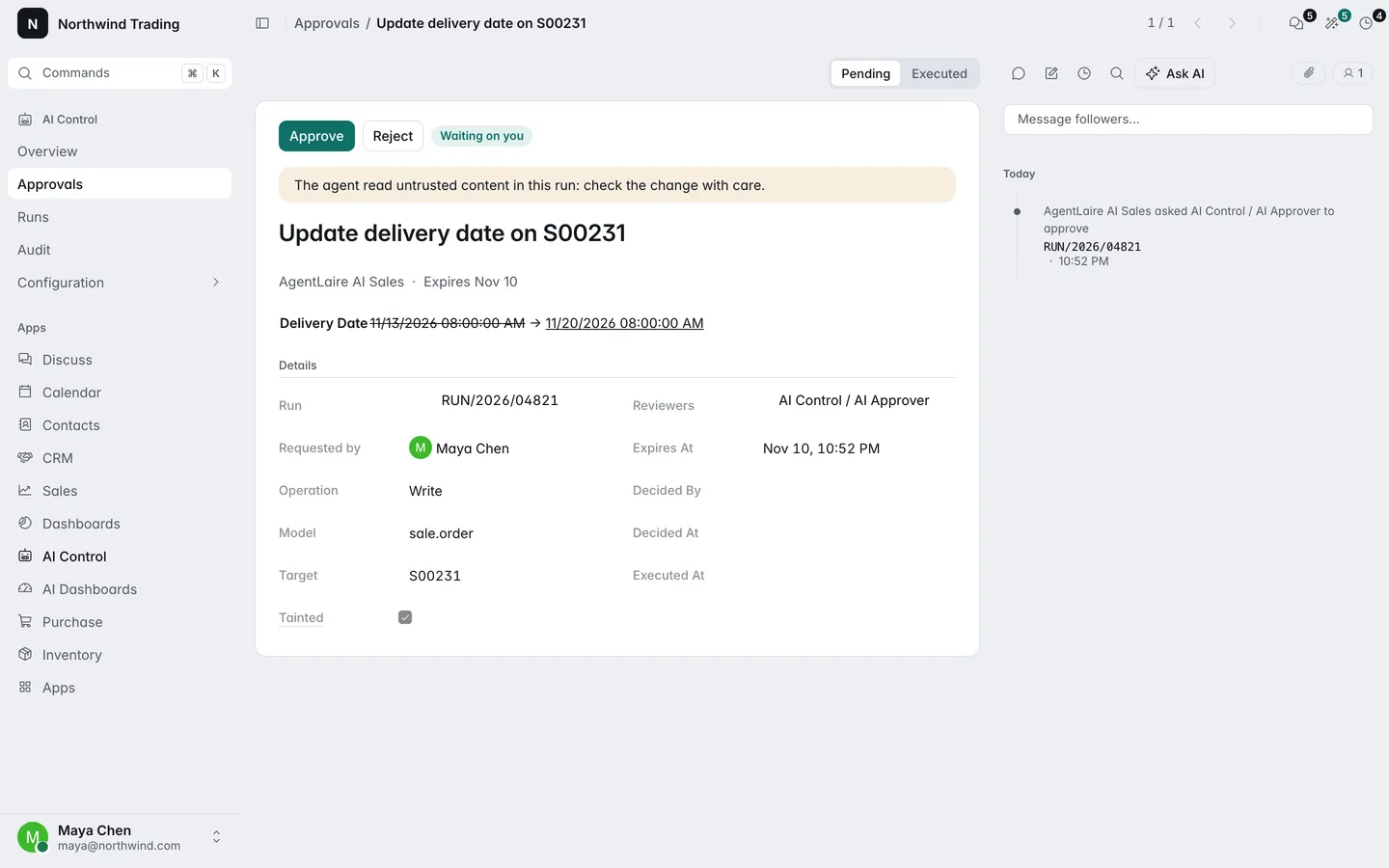
Section titled “How does a proposal work?”In AgentLaire AI Agents, an agent never writes to your data on its own. When it wants to create or change a record, it makes a proposal that shows each field as old value to new value, and the run pauses until a person decides.
- The agent drafts the proposal. Its state is Pending.
- A reviewer approves it. AgentLaire applies the change as the approver and the state becomes Executed.
- Or the reviewer rejects it, with a reason. Nothing is created or changed and the state is Rejected.
The run then continues, and the agent is told the outcome. The other states are Failed, Expired and Reverted.
Where do proposals appear?
Section titled “Where do proposals appear?”AgentLaire AI Agents shows a proposal in the place that fits how the run started.
| Where | When |
|---|---|
| A card in the agent chat | Someone chats with an agent, or presses a button that starts the agent in the chat |
| An “AI approval needed” activity on the record | An automation, a schedule or an MCP client made the proposal |
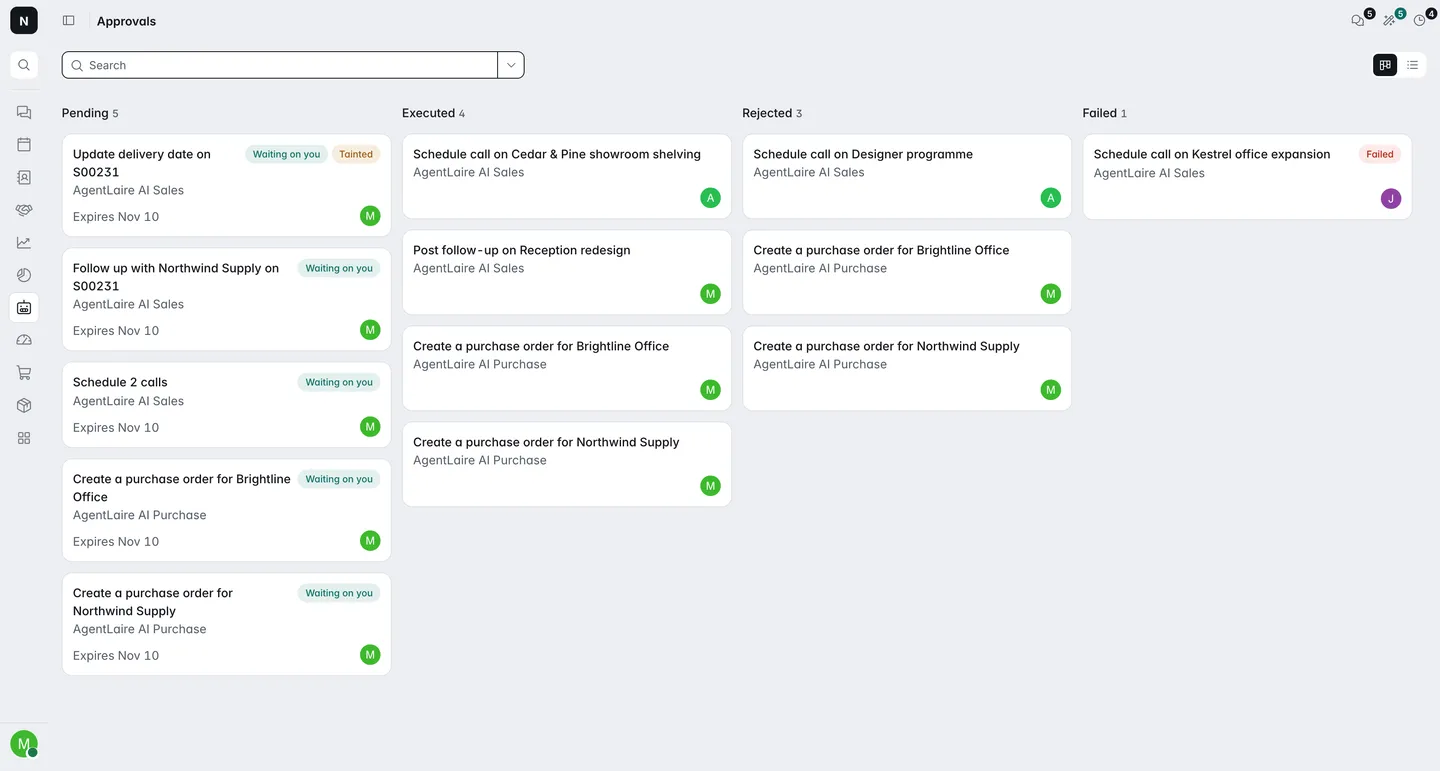
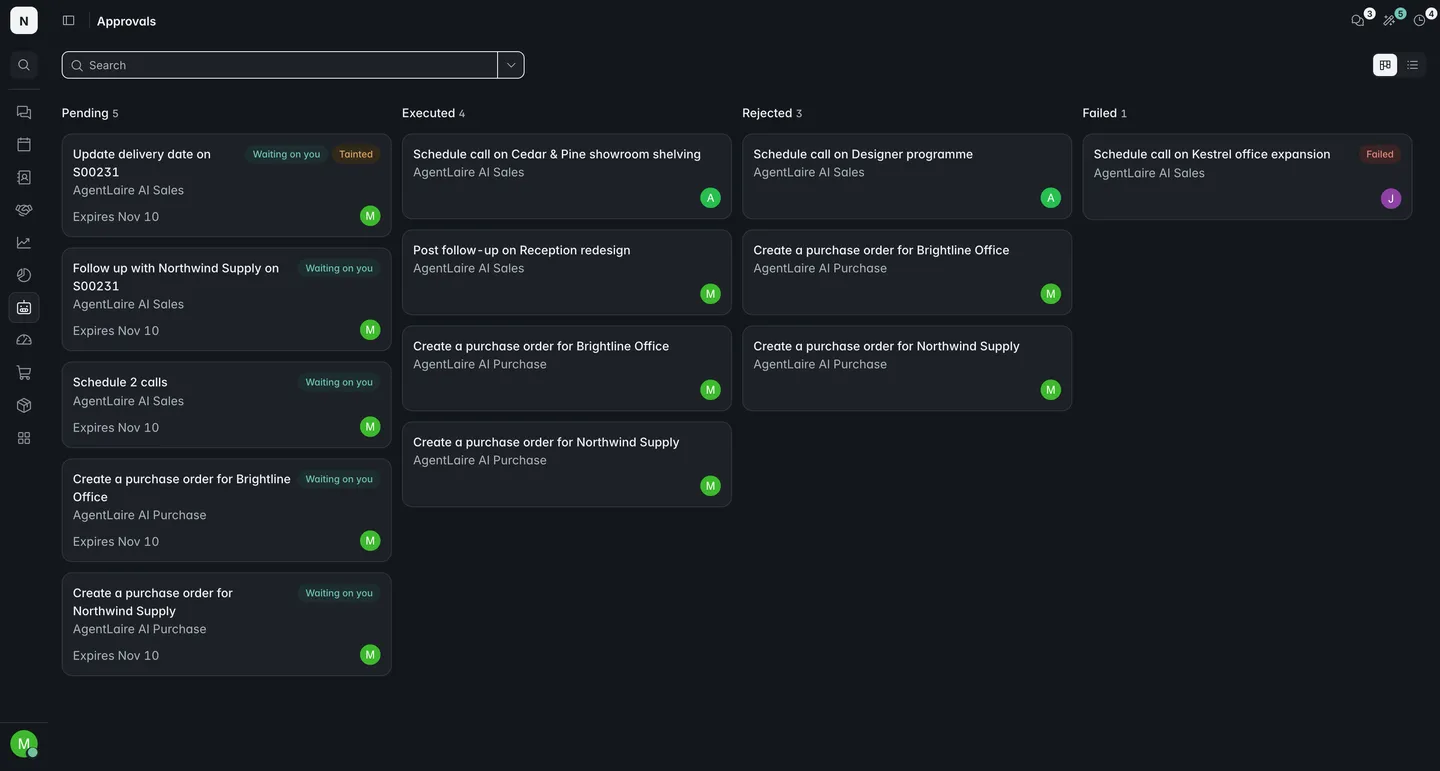
| AI Control › Approvals | Always; every proposal is listed here |
The chat card shows the change, a link to the record, and the buttons Approve, Reject and Edit in form. After a decision it shows the result, for example “Created P00435”, or the reason for a rejection.
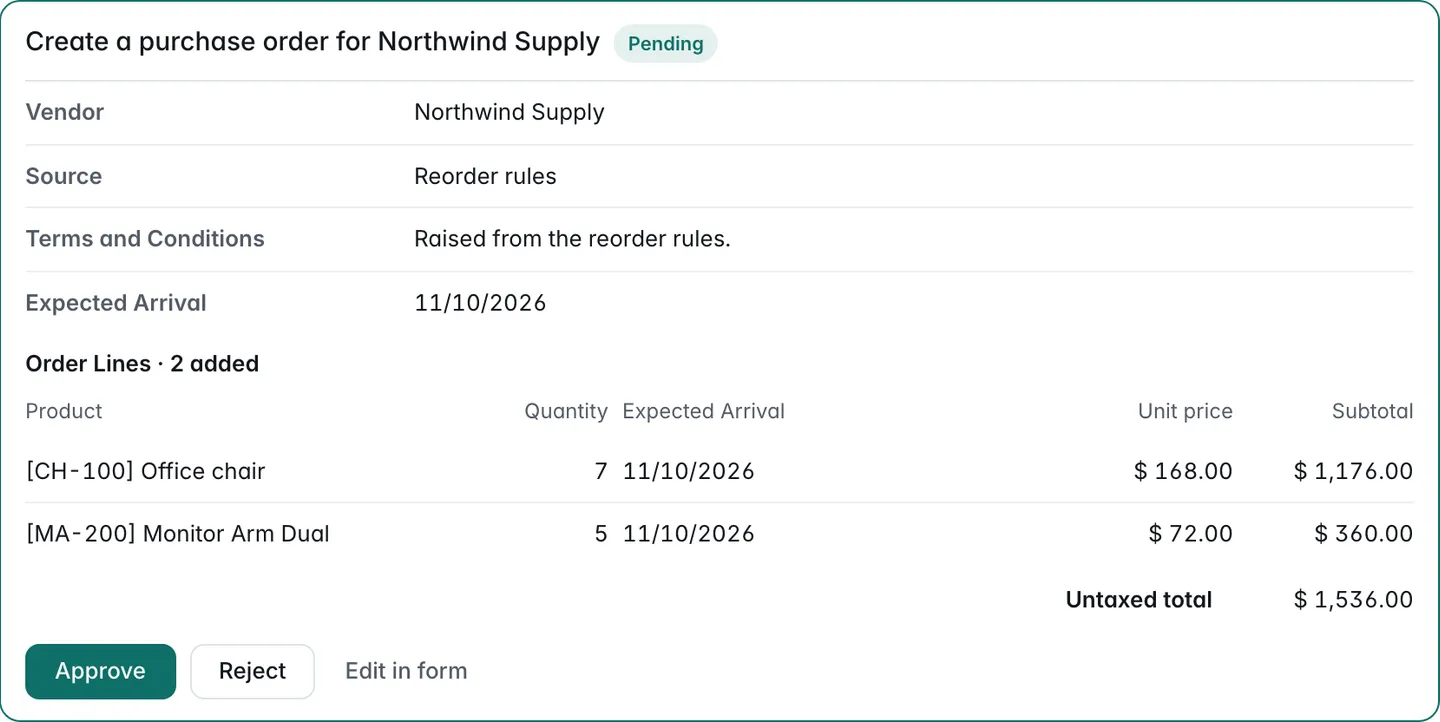
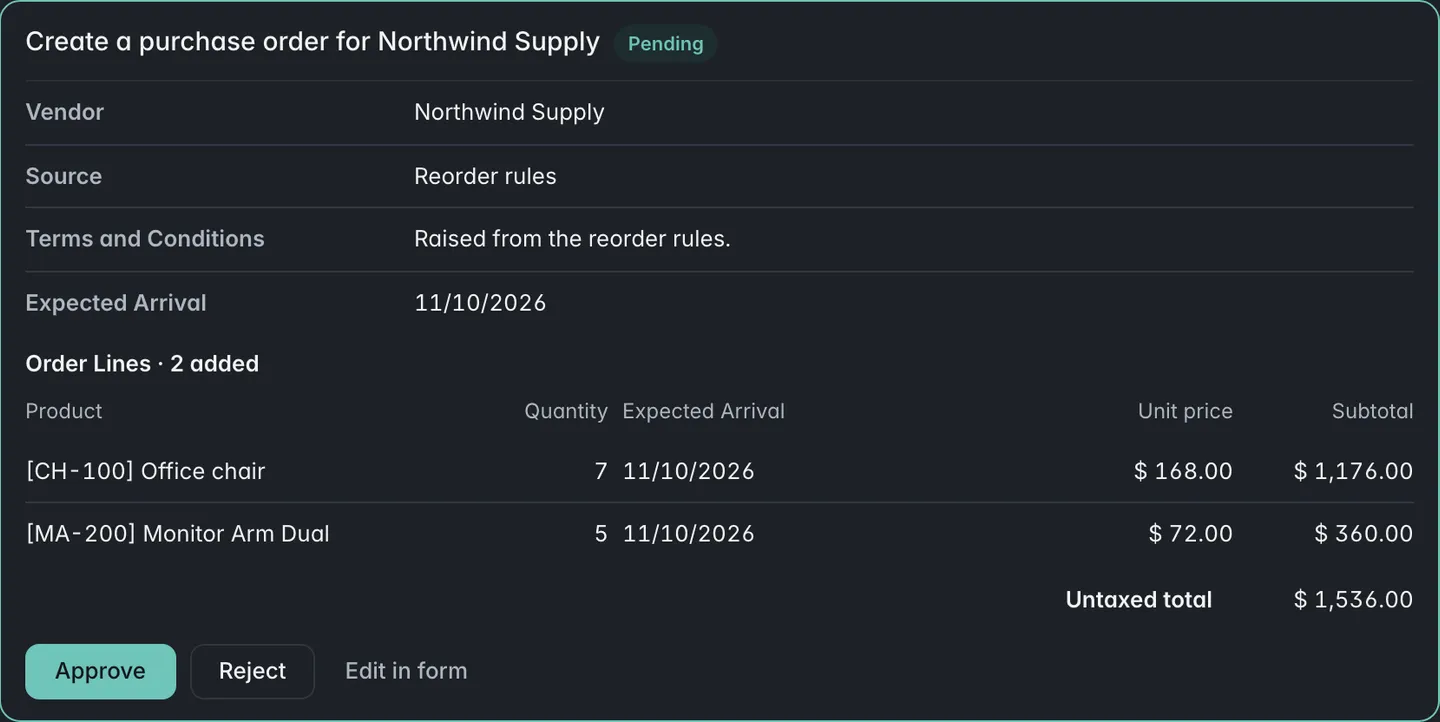
For an activity, select Review on the record to open the proposal over it. Marking the activity done approves the proposal.
The number of proposals you may review shows on the Ask AI button in the top bar.
Who can approve a proposal?
Section titled “Who can approve a proposal?”AgentLaire AI Agents lets members of the proposal’s reviewer group approve it. The group is the agent’s Approvers field (AI Control › Configuration › Agents › Agents, page Access), and is AI Approver when that field is empty.
| Group | What it can do |
|---|---|
| AI User | Use agents and see their own proposals |
| AI Approver | Approve and reject proposals of their reviewer groups |
| AI Manager | See all proposals, approve any, revert changes, set policies |
In chat, the person who asked can decide a card in the conversation. A change is applied as the approver, so the approver needs Odoo’s own right to make it. If they do not have it, the change fails with a message and nothing is written.
How do I approve many proposals at once?
Section titled “How do I approve many proposals at once?”AgentLaire AI Agents has bulk Approve and Reject in the list view of AI Control › Approvals. Select the proposals, open Actions and choose Approve or Reject. Each proposal is checked on its own. If one fails, the others still go through, and a message lists every result, for example “Approved 2 of 3”.
Filters help you pick: Mine to review, Pending, Tainted only and Expiring within 24 h.
Can I allow a kind of change in advance?
Section titled “Can I allow a kind of change in advance?”AgentLaire AI Control lets an AI Manager allow one narrow kind of change without a person approving each one. It is off by default: every policy starts at “Every write is a proposal”.
- Open the policy under AI Control › Configuration › Governance › Policies.
- List the allowed fields. Automatic writes need a field allow-list.
- Select Enable automatic writes and confirm the warning.
| Setting | Default | What it does |
|---|---|---|
| Approval | Every write is a proposal | “Automatic unless untrusted content was read” lets writes run without approval |
| Daily limit of automatic writes | 50 | Automatic writes per UTC day under the policy; past it, writes become proposals until the next day |
| Allowed fields | Empty | Only the listed fields are written |
Only creating and changing records can be automatic. Deleting records and calling methods always need a proposal. The form shows who enabled automatic writes and when, each automatic write is audited with the policy and that manager, and it can be undone like any other.
How do I undo an approved change?
Section titled “How do I undo an approved change?”AgentLaire AI Agents lets a manager, or the person who approved the change, undo it within 7 days. Use Undo on the chat card or Revert on the proposal. An automatic write has no approver, so only a manager can revert it.
| Setting | Default | What it does |
|---|---|---|
| Revert window | 7 days | How long a change can be reverted. Set it under AI Control › Configuration › Settings |
Reverting restores the old values. A created record is deleted if the policy allows deleting, otherwise archived if it can be archived, otherwise it cannot be undone. A method call or a server action cannot be undone. If someone changed the record after the agent did, the revert stops instead of overwriting their change.
What is the stale check?
Section titled “What is the stale check?”AgentLaire AI Agents checks, just before it applies a proposal, that the fields it would overwrite still hold the values it saw. If someone changed them in between, the proposal fails with “Record changed since proposal” and nothing is written. Ask the agent to try again.
What happens when a run read untrusted content?
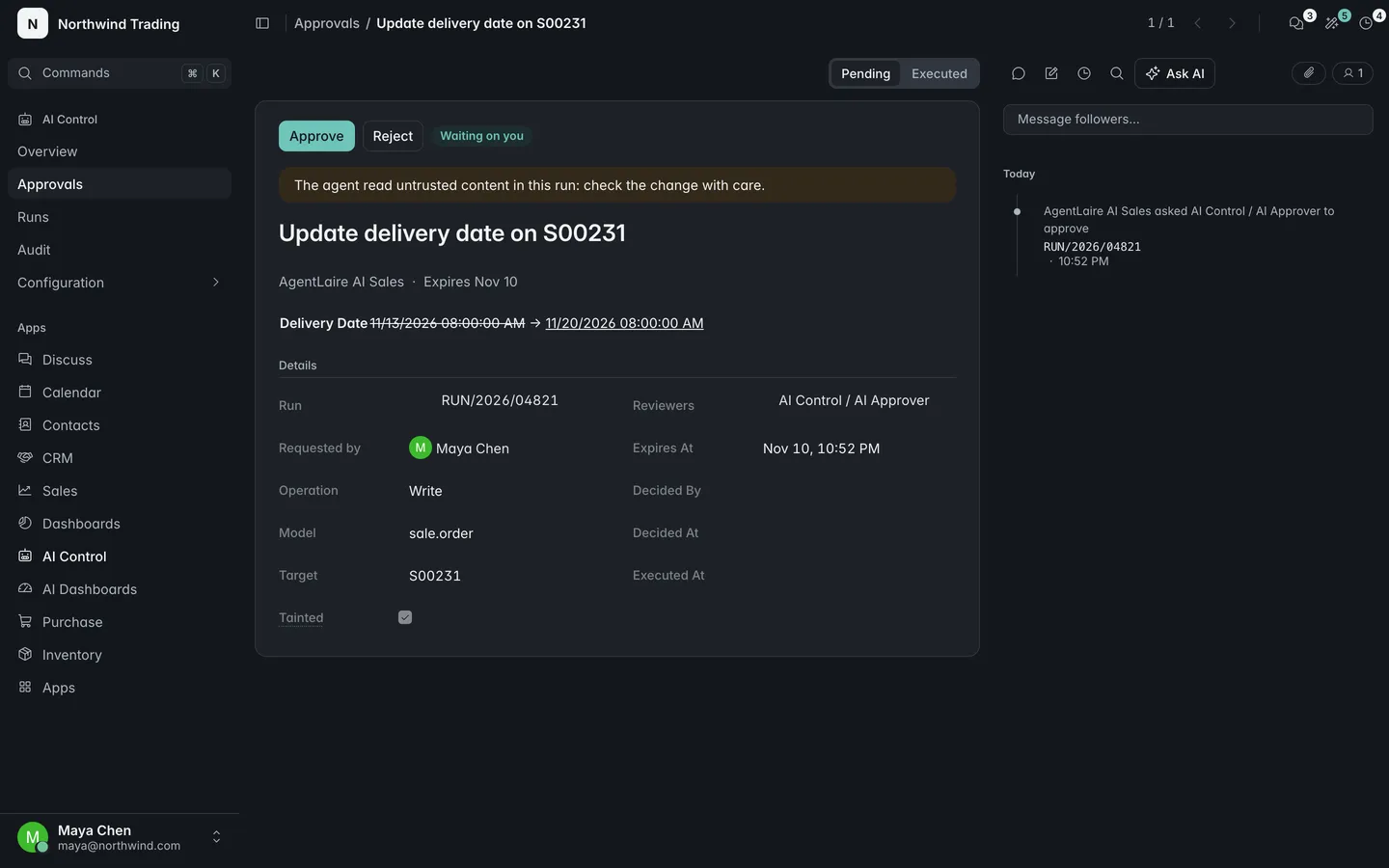
Section titled “What happens when a run read untrusted content?”AgentLaire AI Agents marks a run as tainted when the agent read text from outside, such as an email, a chatter message or a lead description. The proposal shows a warning, and Tainted only filters for them.
A tainted run never writes automatically, whatever the policy says. Runs started by an MCP client are tainted from the start, and an MCP write always returns a pending proposal.
When does a proposal expire?
Section titled “When does a proposal expire?”A pending proposal in AgentLaire AI Agents expires after 7 days. The expiry shows on the card, for example “Expires Nov 3”. Expired proposals close their activity, and the run continues with the outcome that it expired. Nothing is applied.
What does the kill switch do to approvals?
Section titled “What does the kill switch do to approvals?”With the kill switch on in AgentLaire AI Control, no proposal executes, whether approved in chat, from an activity, from the inbox or automatically. Approving shows a message that the kill switch is on. See AI Control.